Work with PDFs without uploading them
18 free tools to merge, split, convert, fill in and sign PDFs. Everything runs in your browser, and you don't need an account.
- No upload
- No account
- On any device
Organize
Convert
Edit
Sign & create
Your files stay on your device
Documents are processed in your browser, not on a server.
No upload
The tools run as JavaScript in your browser tab and do not send your files anywhere. You can check this in the network tab of your browser's developer tools.
No account
No registration and no email address. Open a tool and start.
On any device
Works in current browsers on computers, tablets and phones, without installing an app.
Check it yourself
- 1
Open the developer tools
With F12 or Ctrl+Shift+I, on a Mac with Cmd+Option+I.
- 2
Choose the Network tab
Every request the page makes from now on shows up there.
- 3
Work on a file
Select a file, edit it and save it: no request carries your file.
For companies and public authorities
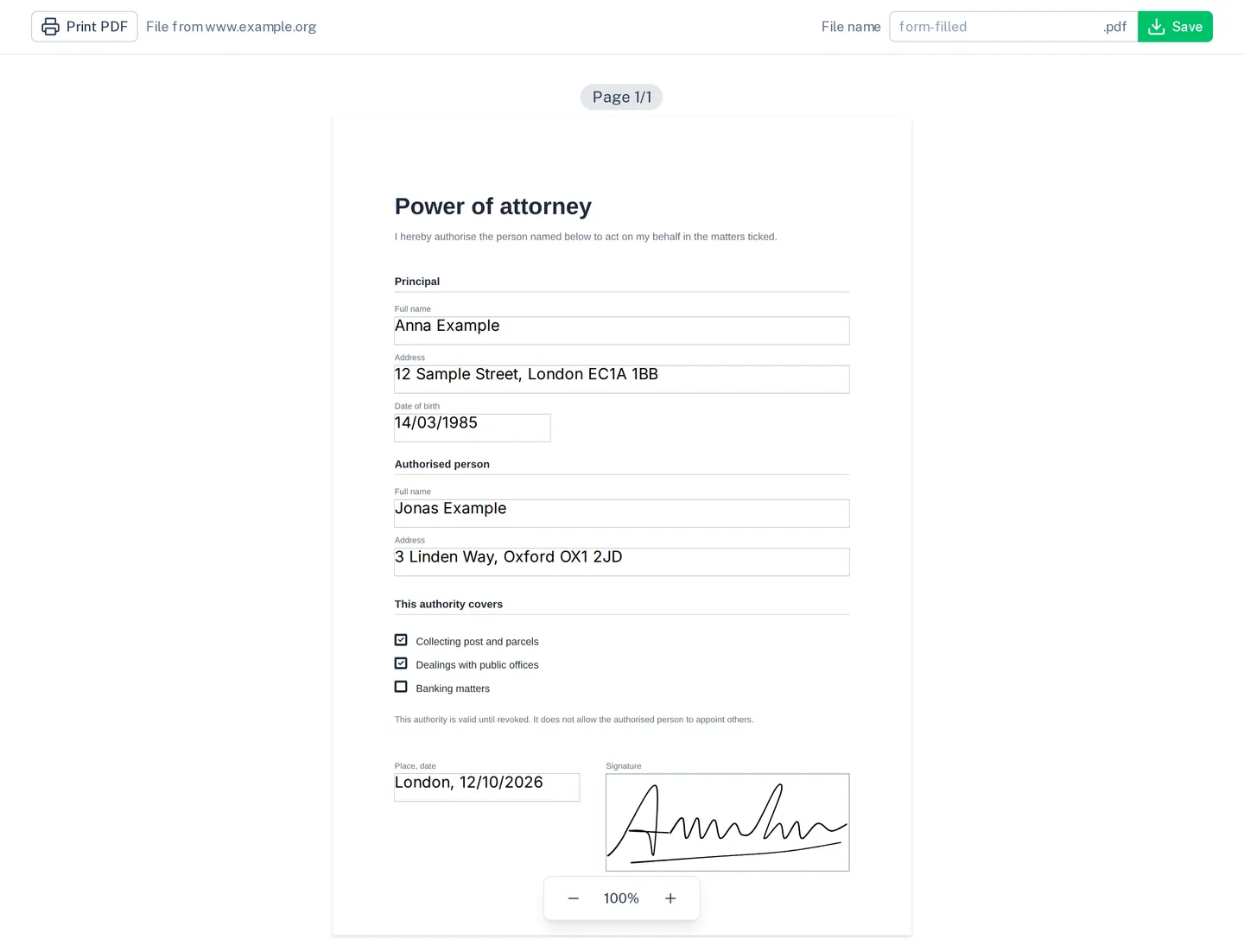
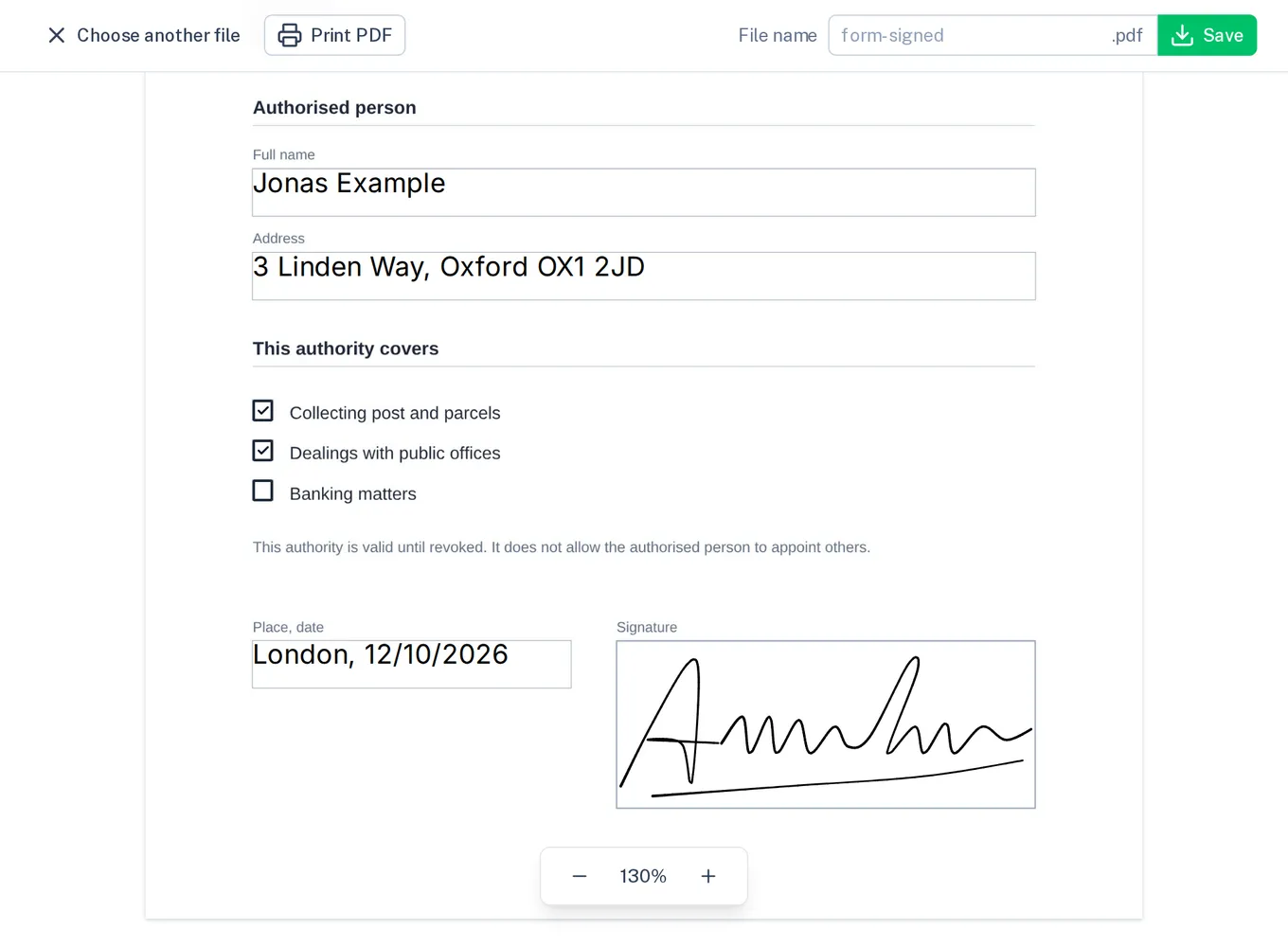
Let people fill in and sign forms on your website
Place the fields on your PDF once and embed a link or an iframe. People fill in, sign and save the form, and their entries never leave their browser. We fit digipape into your processes.
Our offer for organisations